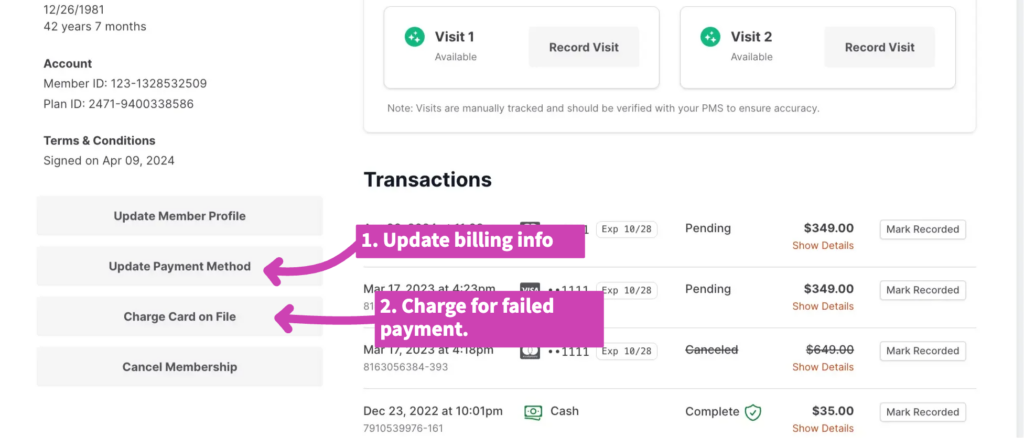
How do we handle it if a payment for a membership fails?
Please contact the patient and get updated billing information.
Then, from your dashboard click on “Search Members” and search for their name.
Click on the grey “Update Payment Method” button in the bottom left corner and update their billing information.
Right below this box on their profile, there will be a button to “Charge Card on File”. Specify the amount you need to charge them for the missed payment.
Click “Charge Visa” (or Amex, etc.) and the software will process that payment on the new card number you saved.